
Business Automation Software for Service Businesses in India
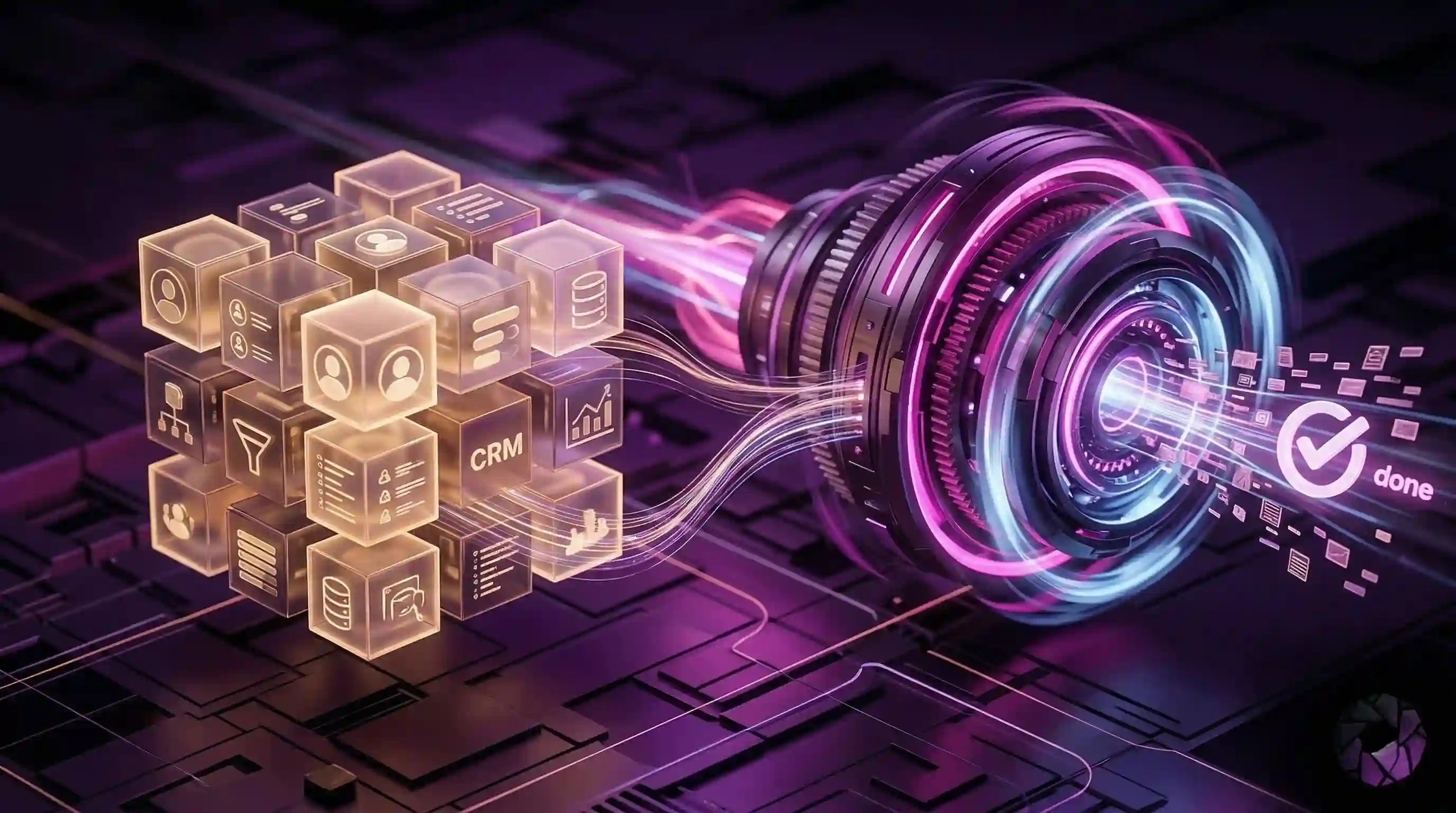
Business automation software for service businesses in India should help with the work that leaks revenue: missed inquiries, slow replies, manual follow-up, appointment reminders, and payment chasing. The best system is not just a dashboard. It moves customer conversations toward a clear next step.
Direct answer
Choose business automation software when your team is losing time to repeatable coordination. Kaarya helps Indian service businesses automate lead response, qualification, booking, reminders, WhatsApp follow-up, and handoff without replacing human judgment.
Service businesses run on execution. A clinic must confirm visits. A coaching institute must respond to parents. A salon must manage booking slots. A home service company must follow up on quotes. A real estate team must respond before the buyer moves to another broker.
Most businesses try to solve this with more staff, a CRM, or a spreadsheet. Those tools can help, but they do not automatically make the next step happen.
What automation should cover
Good business automation software should cover the moments where customers wait for the business to act.
- new lead capture from calls, forms, ads, WhatsApp, and Instagram
- quick qualification so the team knows who is serious
- booking and appointment reminders
- quote follow-up and document requests
- payment reminders and renewal prompts
- clear escalation when a human should step in
Automation should not create a maze for customers. It should reduce waiting and make the business feel more responsive.
Where Kaarya fits
Kaarya fits as an execution layer for service operations. It helps coordinate the work after a customer shows interest: reply, qualify, route, remind, follow up, and hand off.
That matters because Indian service businesses often operate across WhatsApp, phone calls, web forms, and staff conversations. Kaarya is built around the journey, not just one inbox.
Practical workflow example
A diagnostic lab receives web inquiries, WhatsApp messages, and phone calls. Staff are busy with walk-ins. Kaarya can help capture the customer's test requirement, confirm location, ask preferred timing, send a booking reminder, and alert staff when the customer asks for medical interpretation or a custom package.
| Business need | Basic tool | Execution automation |
|---|---|---|
| Lead storage | Saves contact details | Responds and qualifies |
| Appointment management | Shows calendar | Confirms and reminds |
| Follow-up | Creates task | Sends next message |
| Team handoff | Notes owner | Escalates with context |
Buying checklist
Before choosing a system, check whether it can:
- handle the channels your customers use
- keep staff informed without extra data entry
- support safe human handoff
- explain what happened in each conversation
- connect reminders, payments, and bookings
- avoid unsupported promises outside your business rules
The right software should make operations lighter without making the customer experience colder.
How to choose your first workflow
The best first workflow is usually the one with visible leakage. Do not start with a complex automation map. Start with the moment the owner already complains about: missed calls, late replies, no-show appointments, quote follow-up, document reminders, or payment chasing.
For a clinic, the first workflow may be appointment reminders and missed-call recovery. For an education consultant, it may be inquiry qualification and counseling-call booking. For a home service company, it may be urgent request triage and quote follow-up. For a restaurant, it may be reservation intake and event inquiry routing.
Once the first workflow is stable, expand into adjacent steps. Missed-call recovery can connect to WhatsApp follow-up. WhatsApp follow-up can connect to booking. Booking can connect to reminders. Reminders can connect to payment prompts or post-visit follow-up.
This staged approach is safer than trying to automate the whole business at once.
Production-readiness checklist
Before launching business automation software, define ownership. Who receives escalations? Who updates business rules? Who reviews failed or unclear conversations? Who decides when automation should stop?
Also define customer-facing rules. What can the system say about pricing? What can it say about availability? What happens after hours? Which languages are supported? Which questions must always go to staff?
Kaarya fits when these rules are connected to execution. The system is not just moving data. It is helping the business respond, qualify, book, remind, follow up, and escalate with context.
What success looks like
Success should be measured by operating outcomes: faster first response, fewer missed leads, clearer handoffs, more completed bookings, fewer forgotten reminders, and less staff time spent chasing routine steps. Those are healthier signals than vanity metrics like number of automated messages sent.
What to measure after launch
Measure business automation by whether work happens more reliably. Useful metrics include first response time, missed leads recovered, appointments booked, reminders sent, payment prompts completed, and staff escalations handled with context.
Also measure where automation still fails. If customers respond but do not book, the booking path may be unclear. If bookings happen but no-shows remain high, reminder timing may need adjustment. If staff ignore escalations, ownership rules may be weak.
Kaarya fits when these metrics connect to one customer journey. The business should be able to see how an inquiry moved from first contact to next action rather than searching across disconnected tools.
Frequently asked questions
What is business automation software?
It is software that helps repeatable business tasks happen with less manual chasing, such as lead capture, follow-up, reminders, booking, and payment prompts.
Is automation useful for small service businesses?
Yes. Small teams usually feel the cost of missed calls, delayed replies, and forgotten follow-ups faster than large teams.
Does Kaarya replace a CRM?
Kaarya can work alongside CRM-style records, but its main value is execution: moving conversations toward outcomes.
Should every customer interaction be automated?
No. Automation should handle repeatable steps and escalate sensitive, complex, or relationship-heavy moments to humans.
See how Kaarya automates service operations
Explore how Kaarya connects lead response, booking, reminders, payments, and follow-up for growing service businesses.
View featuresKaarya executes the follow-ups, reminders, and operational work your team shouldn’t be doing.
Automate WhatsApp, voice, and revenue operations so you can focus on growth.